Add 2 more items to unlock your free mystery gift.
Complimentary item.
Total
Recommended add-on
Home/Victron SmartShunt vs BMV-712: Do You Need a Battery Monitor, a BMS, or Both?
Victron SmartShunt vs BMV-712: Do You Need a Battery Monitor, a BMS, or Both?
If you've spent more than ten minutes researching off-grid power, you've run into two acronyms that sound like they do the same job: BMS (battery management system) and battery monitor. They don't. They sit at opposite ends of your system — one protects the battery from the inside, the other tells you what the battery is actually doing from the outside. Confusing the two is one of the most common (and most expensive) mistakes people make when sizing a campervan, boat, or cabin power setup.
This guide breaks down exactly what each one does, how Victron's two flagship monitors — the SmartShunt and the BMV-712 — fit into the picture, and how to decide which belongs in your system.
What a BMS actually does
A battery management system is a safety and protection device built into (or paired with) a lithium battery bank. Its job is hard limits: it disconnects the battery if a cell goes over-voltage, under-voltage, too hot, or too cold, and it balances cells so they age evenly. A BMS doesn't care about telling you anything — it cares about keeping the battery alive.
Think of it as the fuse box and airbag system of your battery. You hope you never interact with it.
What a battery monitor actually does
A battery monitor answers a completely different question: how much energy is left, right now, in real conditions? It does this by measuring every amp that flows in and out of the bank through a precision resistor called a shunt, then calculating state of charge the same way your car calculates fuel level from actual consumption — not from a crude voltage guess.
Voltage alone is a terrible fuel gauge for lithium batteries, which hold a nearly flat voltage across most of their discharge curve. That's why anyone running lead-acid, AGM, or lithium should have a shunt-based monitor. It's the difference between knowing your tank is at 43% and squinting at a voltage reading that could mean anything from 30% to 80%.
Do you need both?
Short answer: yes, in almost every serious system. The BMS protects; the monitor informs. They don't replace each other.
The nuance is that some BMS setups include basic monitoring — Victron's Smart Lithium batteries, for example, communicate cell data to a GX device. But even then, a dedicated shunt-based monitor still gives you a more accurate, battery-bank-level state of charge, plus historical data (deepest discharge, average discharge, charge cycles) that a BMS simply doesn't track. If your batteries have an internal BMS only, a shunt monitor isn't optional — it's the only way you'll know where you stand.
Both use the same 500A shunt, the same measurement engine, and the same VictronConnect app over Bluetooth. The difference is presentation:
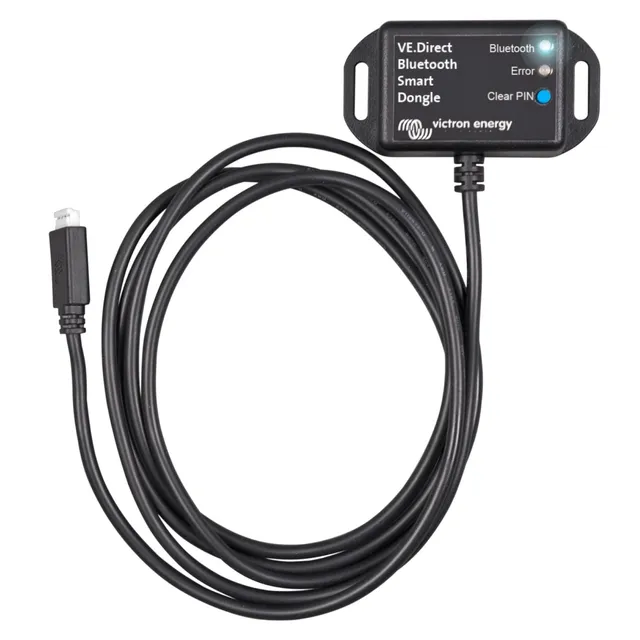
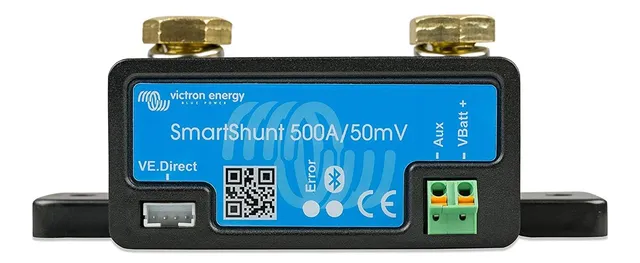
Victron SmartShunt 500A — an all-in-one shunt with no display. Everything lives in the VictronConnect app. It's ideal where dash or wall space is precious: campervans, boats with crowded panels, or hidden installs. It can also feed data to a Cerbo GX over VE.Direct for VRM remote monitoring.
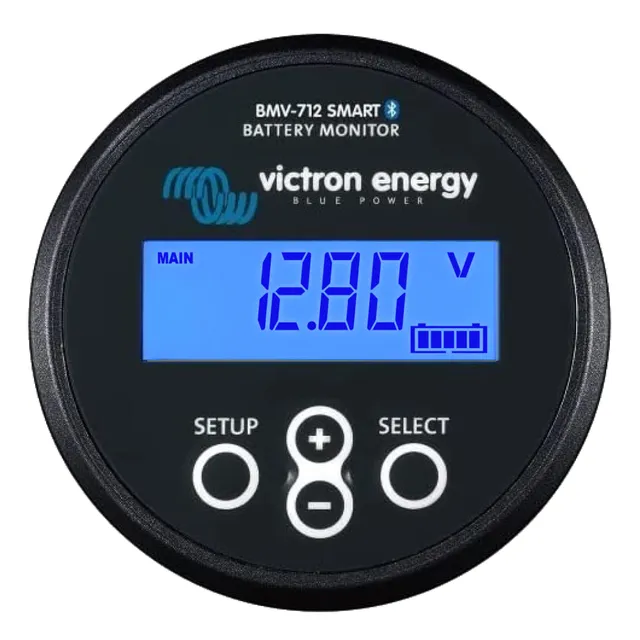
Victron BMV-712 — the same shunt plus a dedicated black display head. You get an always-on readout of voltage, current, state of charge, and time-to-go without pulling out your phone. Its AUX input is the real differentiator: pair it with a temperature sensor (or a second voltage source, like a starter battery) and the monitor will raise a temperature alarm or track two banks at once.
Rule of thumb: if you want a visible gauge and a second sensed parameter, go BMV-712. If you want the same accuracy tucked out of sight for less, go SmartShunt.
Installation in plain English
Both units install the same way. The shunt goes in the negative line between the battery bank and everything else — every load and every charger must pass through it, or your state of charge will drift. Bolt the bank's negative terminal to one side, your system's negative bus to the other, connect the power and VE.Direct cables, and set battery capacity and charge efficiency in the app.
Two setup tips that prevent 90% of "my state of charge is wrong" complaints:
Synchronize properly. Let the battery reach full absorption charge, then sync the monitor to 100%. Doing this once with the sun up saves weeks of confusion.
Set the charged voltage and tail current to match your chemistry and charger profile. Defaults are tuned for 12V lead-acid; lithium banks need adjusted values.
Pair your monitor with smart charging
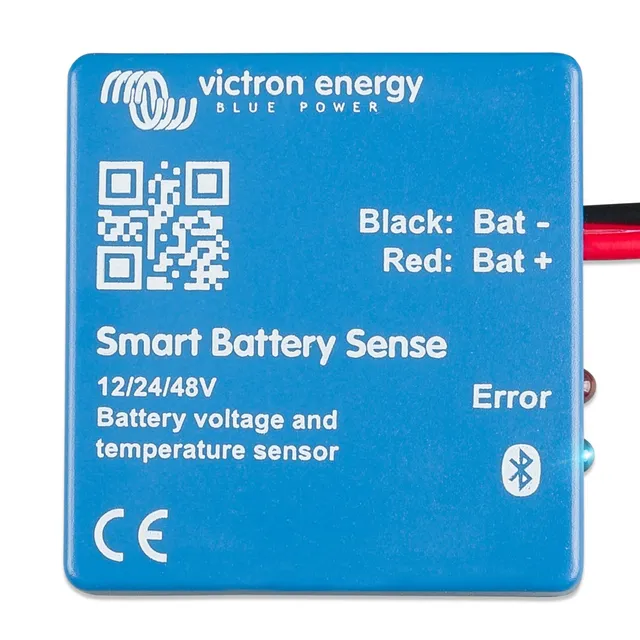
A monitor tells you the truth about your bank; your charge controller is what keeps the bank healthy. Victron's SmartSolar MPPT controllers pair with the same VictronConnect ecosystem, and adding a Smart Battery Sense gives the controller live battery voltage and temperature over the VE.Smart Network — so solar charging adapts to actual battery conditions instead of assumptions, compensating for voltage drop across long cable runs.
A BMS protects your batteries; a shunt-based monitor tells you what they're doing. If you're building or upgrading an RV, marine, or off-grid system in 2026, budget for both. Between the app-only SmartShunt and the display-equipped BMV-712, you're choosing where you want your data to live — not how accurate it will be. Both are excellent; pick based on your panel space and whether you want a second sensed input.