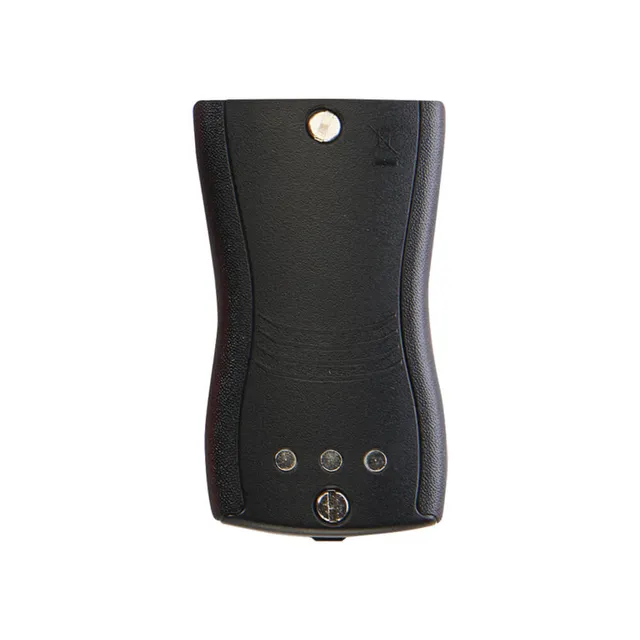
Cobra USB-C Cloning Cable (0010080-1) – Clone Performa Radios in the Field, $10.00
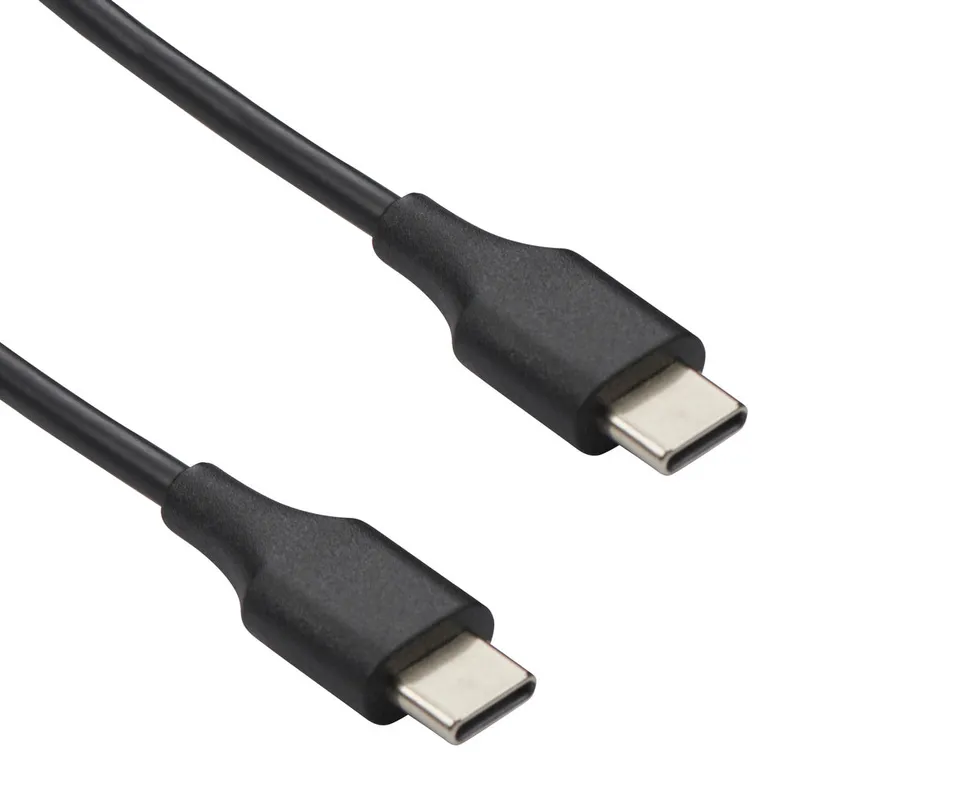
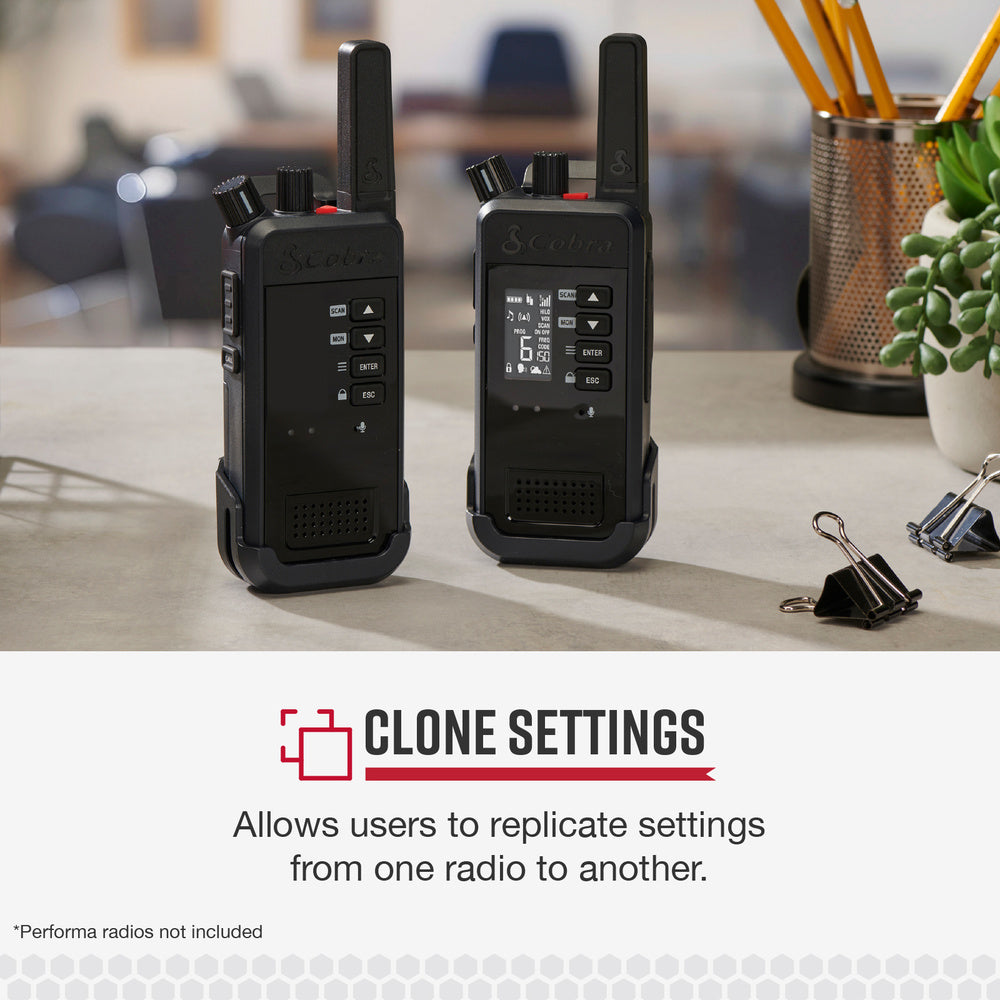
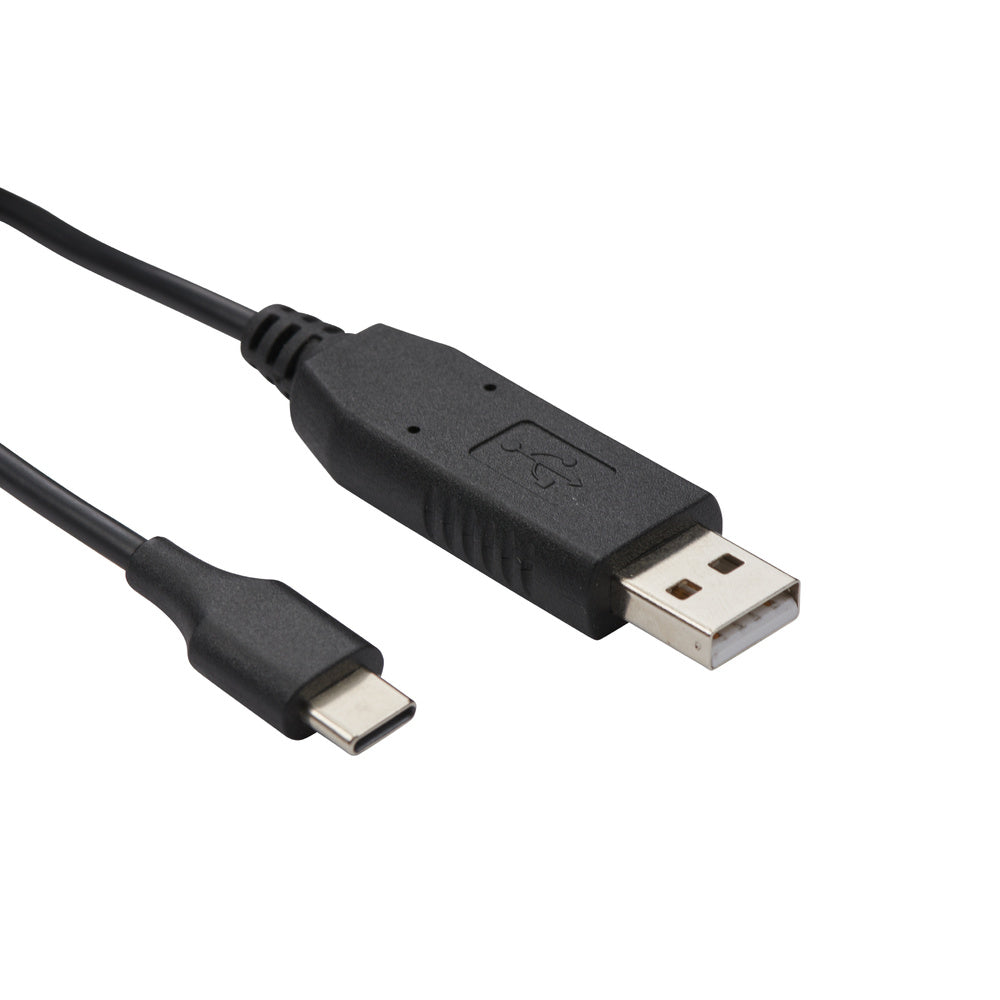
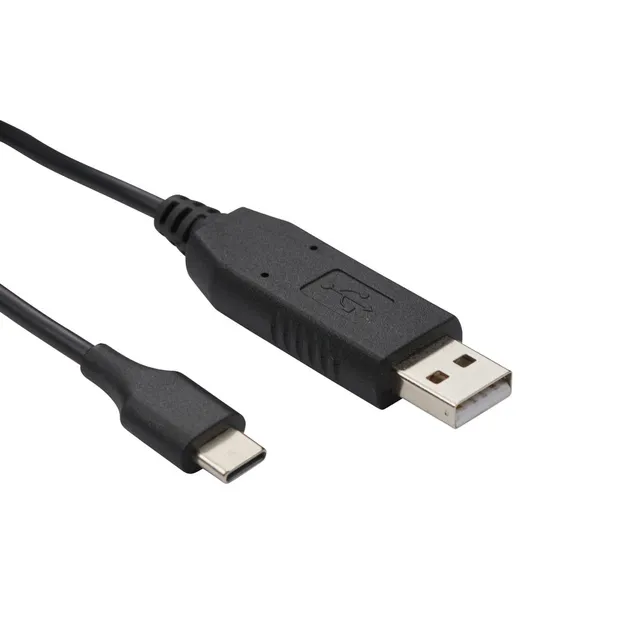
The Cobra Radio Cloning Cable (USB-C to USB-C, item #0010080-1) connects two Cobra Performa radios together to copy all settings from one radio to another. If you're figuring out how to clone a Cobra Performa 450 radio with the USB-C cloning cable, it's simple: connect the cable between the source (master) radio and the target radio, put the master into clone mode, and its channels and settings transfer directly — no computer, no software, no training needed. Buy it online today for $10.00 — a $5.95 discount off the $15.95 compare-at price — with coupon OUTPOST12 adding 12% more savings.
How to Clone Settings on Cobra Performa 400 Radios
The same process applies to the Performa 400: link the two radios with the USB-C cloning cable, set the programmed radio as the master in clone mode, and replicate its full configuration to the second radio in seconds.
Does It Work With a Computer?
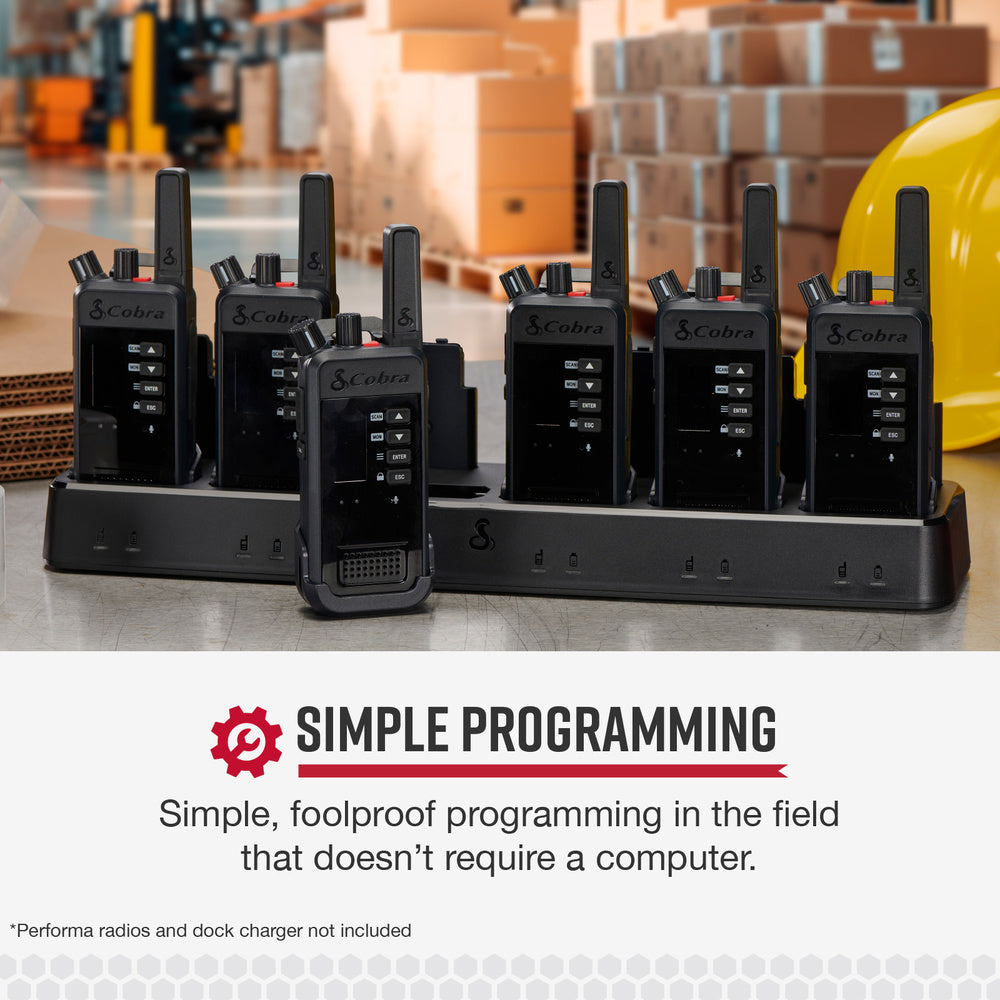
No — this cable is radio-to-radio only. That's the point: it's simple, foolproof field programming that requires no PC or software. For failed clones, confirm both radios are powered on, firmly seated at both USB-C ends, and that the master is correctly in clone mode, then retry.
Compatibility
- Cobra Performa 400 two-way radio
- Cobra Performa 450 two-way radio
- Not for other Cobra radio series — confirm your model before ordering
Key Features
- Quick, simple replication of settings between two Performa radios
- Enables rapid radio system deployment with little to no training
- Foolproof field programming — no computer required
Specifications
- Brand: Cobra
- Model / Item #: 0010080-1
- Product Type: Radio-to-radio cloning cable
- Connector: USB-C to USB-C
- Compatible Radios: Performa 400, Performa 450
Price and Deal Value
At $10.00 vs. $15.95, you save $5.95 — plus coupon OUTPOST12 for an extra 12% off and free shipping on orders over $45.00. For fleet managers, this affordable accessory turns hours of manual radio programming into a 30-second copy job.