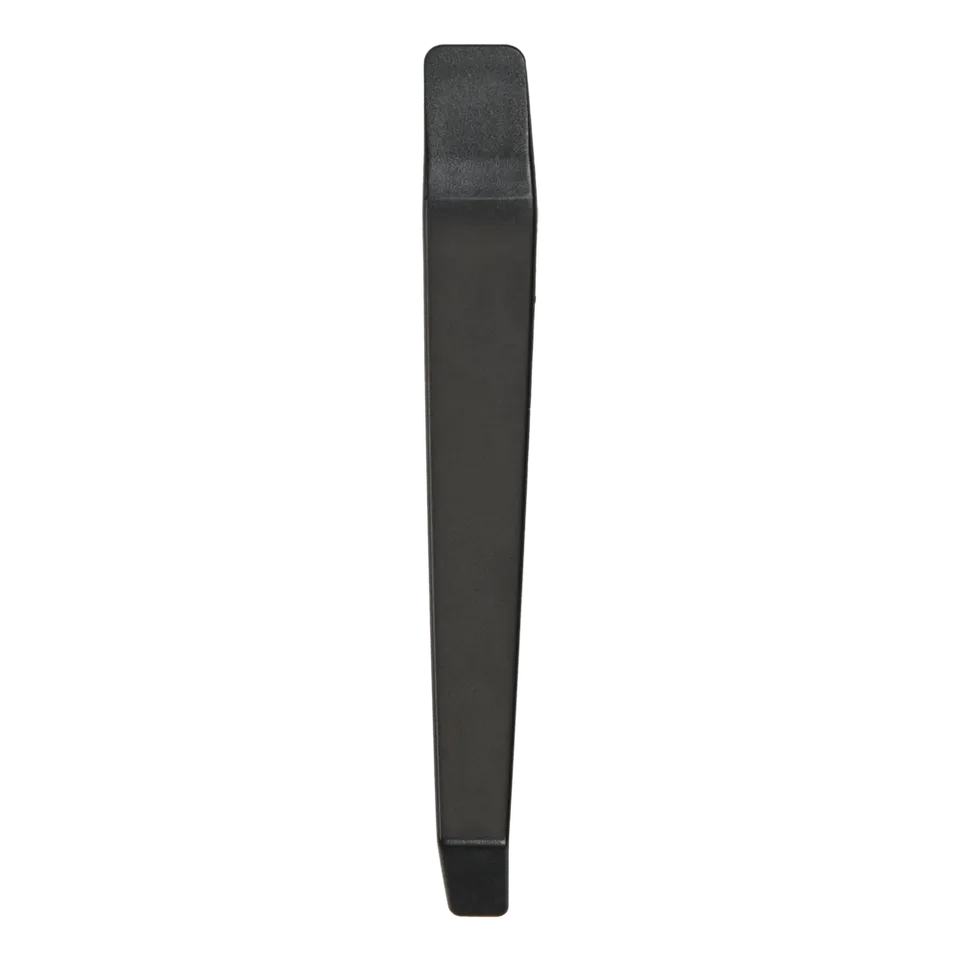
Wondering how to use the Cobra dash cam routing tool? The Cobra Routing Tool for Vehicle Cable Installation, item 279003-01, is a simple handheld tool that tucks power cables and cable clips along the vehicle headliner for a clean, professional install — all for just $4.95. Order online at PowerHaven Outpost.
How to Use the Routing Tool
- Lay your dash cam power cable along the headliner edge or trim seam.
- Use the flat edge of the tool to press the cable (and cable clips) into the gap between trim and headliner.
- Slide along the route to seat the cable fully — no fingernails, no trim damage.
Airbag Safety: Why a Trim Tool Matters
Side A-pillars contain airbags. Using a non-metallic, proper routing tool avoids gouging trim and lets you route cables without interfering with airbag deployment zones. Never hard-mount cables across airbag seams.
Route Rear Camera Cables Too
The same tool works for routing Cobra SC rear camera cable along weatherstripping, under trim panels, and into the cargo area — the fastest way to hide a Cobra SC 120 or SC 220C cable run.
Compatibility
A universal fit for installs with Cobra dash cams including SC 100, SC 110/120, SC 200/200D, SC 201, and SC 220C, and any vehicle cable-routing job.
Price and Deal Value
Only $4.95 — pair it with the Cobra Cable Clips 6-pack and coupon OUTPOST12 for 12% off. Orders over $45 ship free.