$20.00
We will hold your cart for 15:00.
Buy the Victron Energy Interface MK3-USB (VE.Bus to USB) for $29.50 (save 50% off $59.00) to configure settings and update firmware on MultiPlus, Quattro, and other VE.Bus inverters from your computer, with coupon code OUTPOST12 for an extra 12% off and free shipping over $45.00.
Categories : Power Accessories
SKU : POW-POW-010
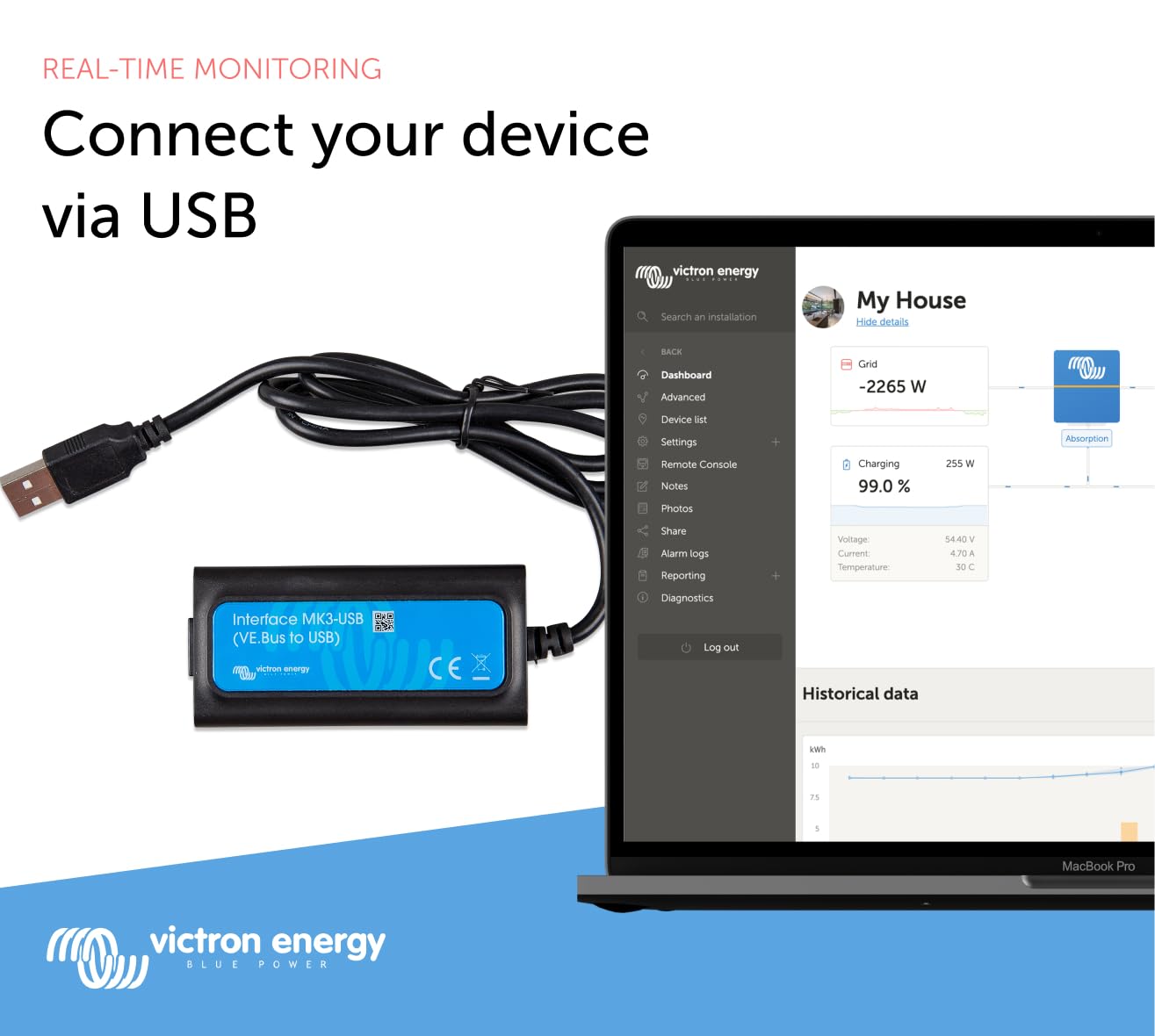
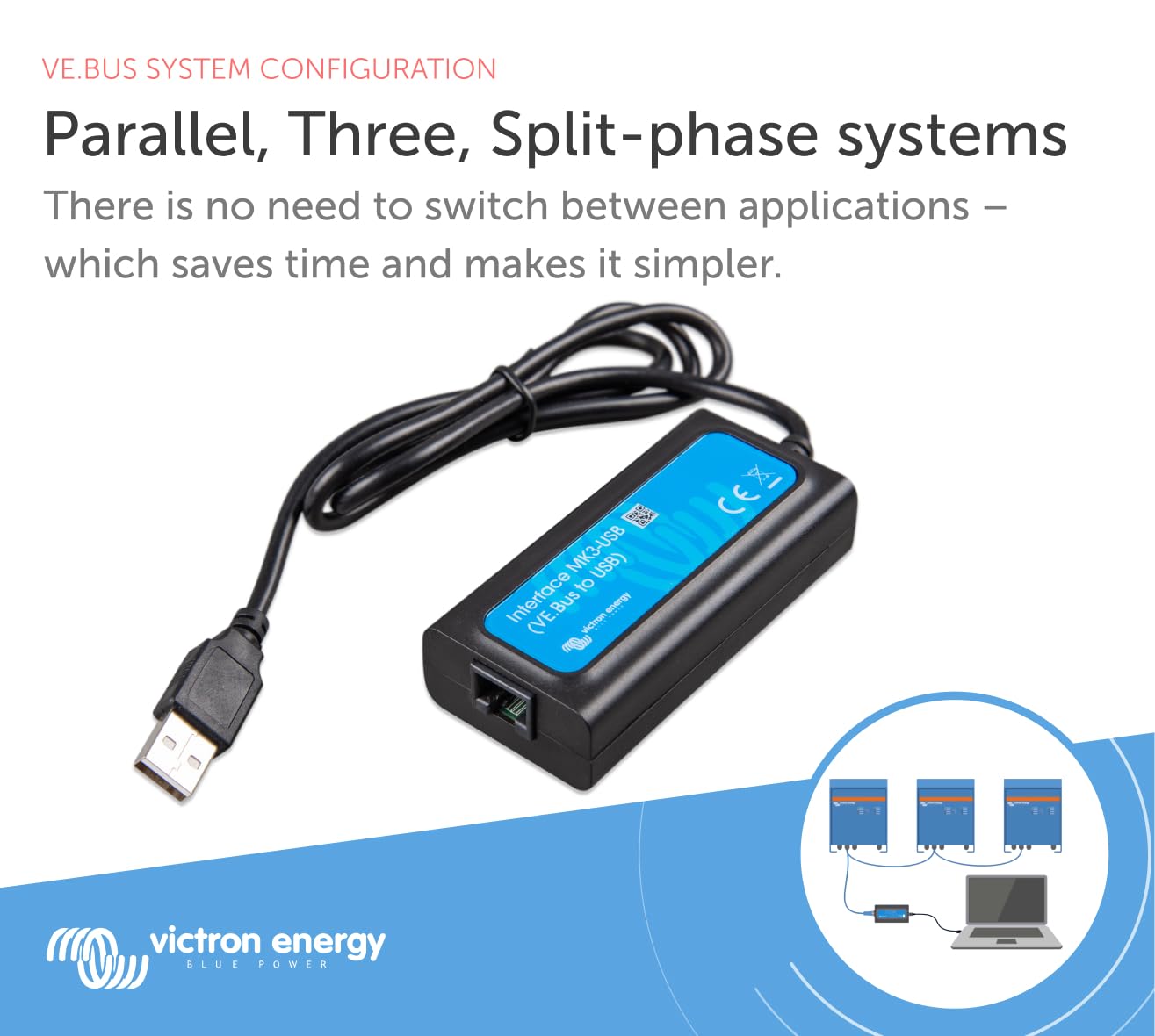
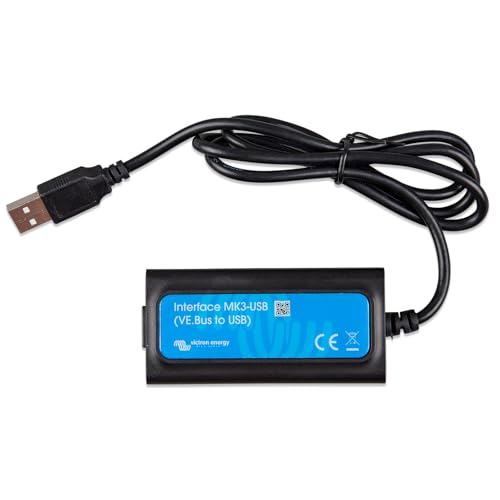
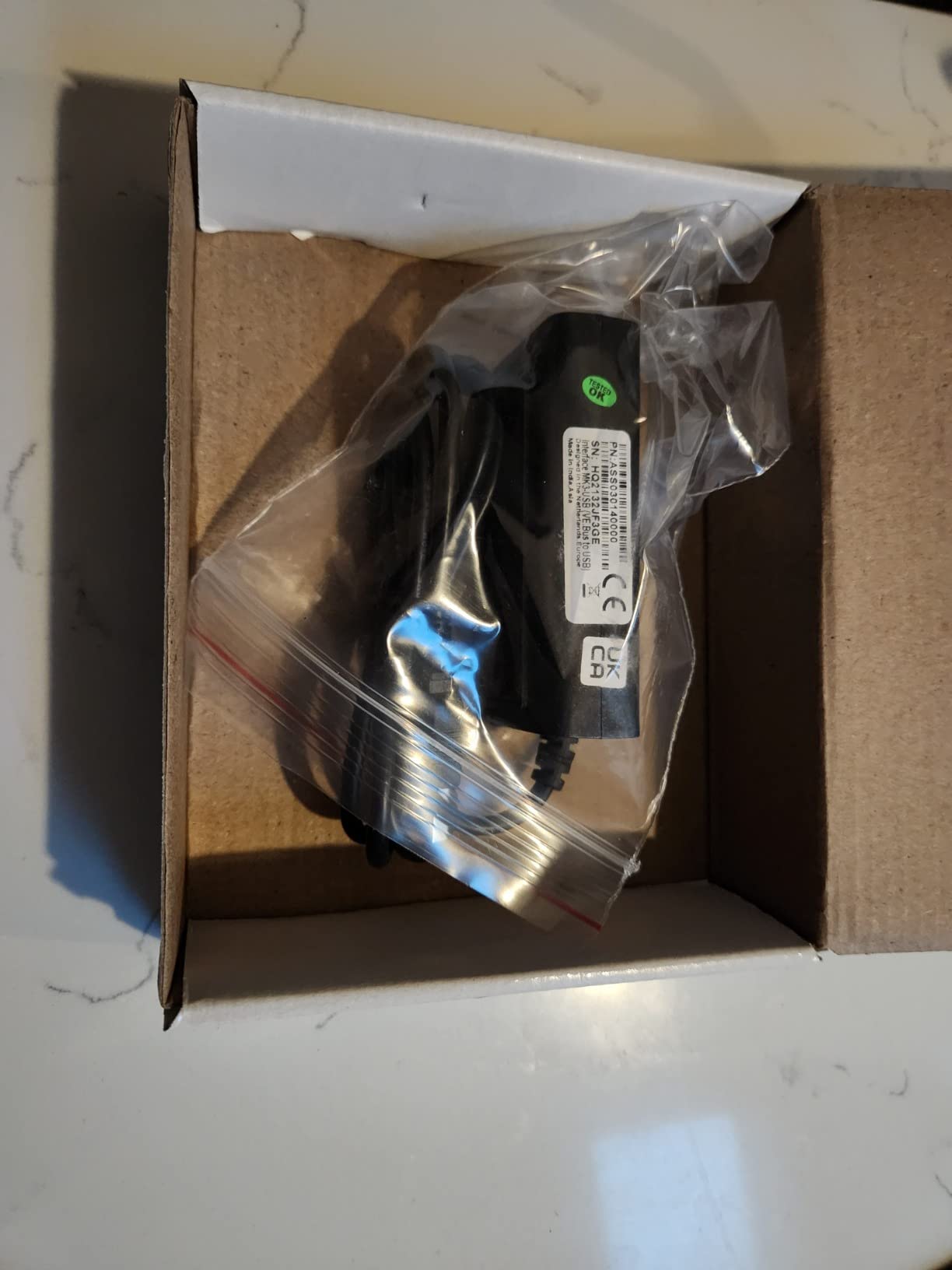
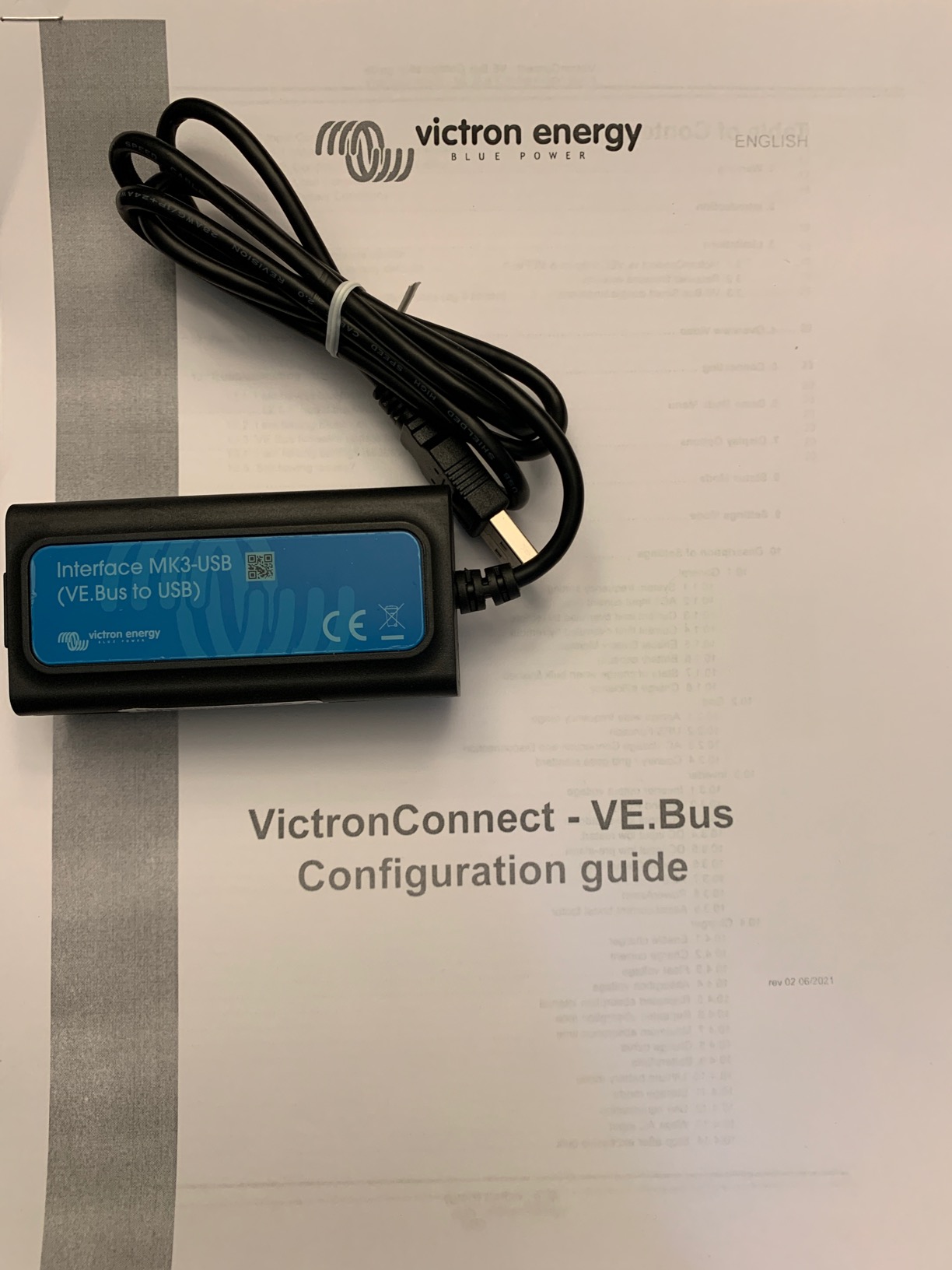
The Victron Energy Interface MK3-USB connects VE.Bus products — Multi, MultiGrid, MultiPlus, MultiPlus-II, Quattro, ECOmulti, EasySolar, EasyPlus, and VE.Bus inverters — to a computer for configuration and firmware updates. It's the essential tool for MultiPlus and Quattro owners running VictronConnect or VEConfigure. Today it's just $29.50, down from $59.00 — a 50% discount, with coupon code OUTPOST12 for an extra 12% off and free shipping on orders over $45.00. Buy online now.
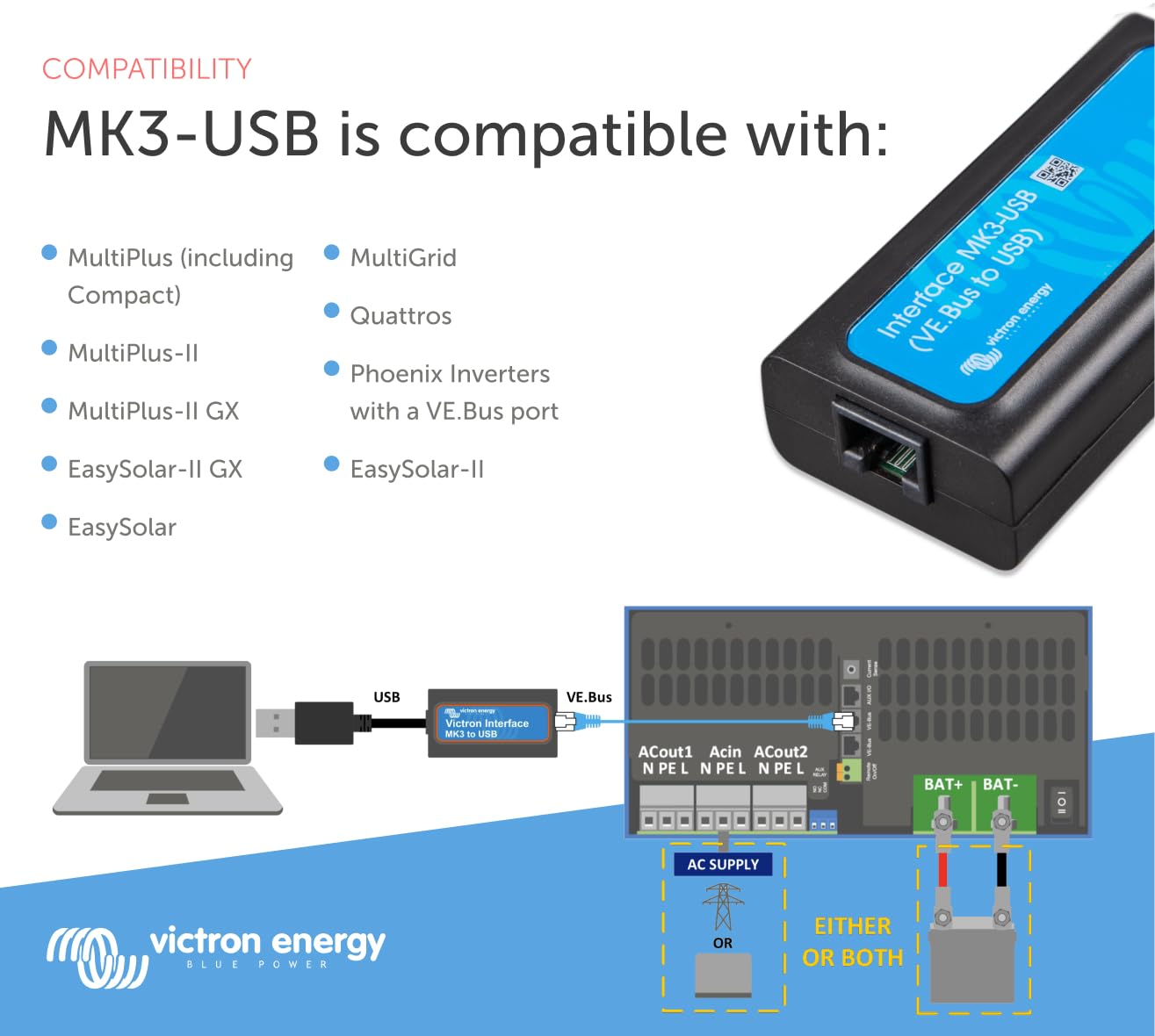
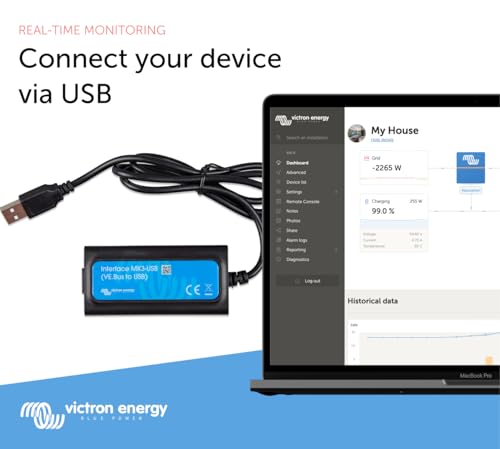
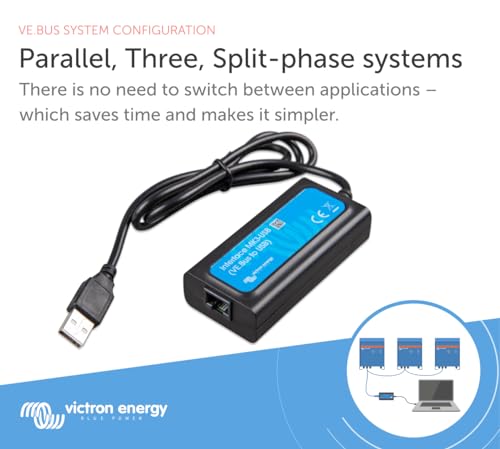
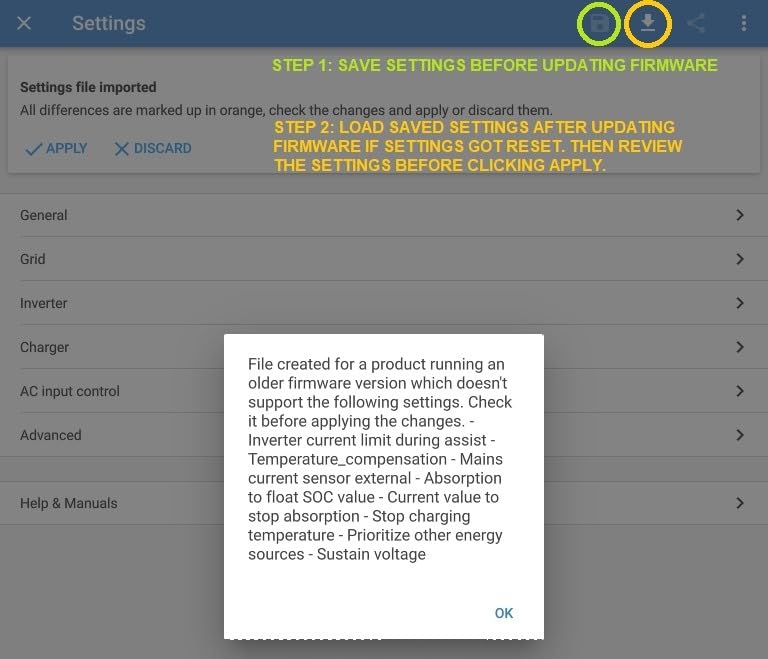
Connect the MK3-USB between the MultiPlus VE.Bus port and your computer, open VictronConnect, select your inverter, and accept the firmware update prompt. For advanced setup, use VEConfigure tools over the same connection. Always keep the unit powered during the update.
The MK3-USB uses a USB virtual COM port; Windows 10 typically installs drivers automatically, or you can install the vendor's VCP driver manually if the device isn't detected.
Both configure VE.Bus products identically — the difference is the connector. This USB-A model suits laptops and desktops; the USB-C variant suits newer tablets. Choose USB-A if your configuration computer has standard USB ports.
At $29.50 vs $59.00 compare-at, you save 50% instantly, plus 12% more with coupon code OUTPOST12. Bundle with a MultiPlus or Cerbo GX order to clear the $45.00 free-shipping threshold. Order online today and configure your system with confidence.
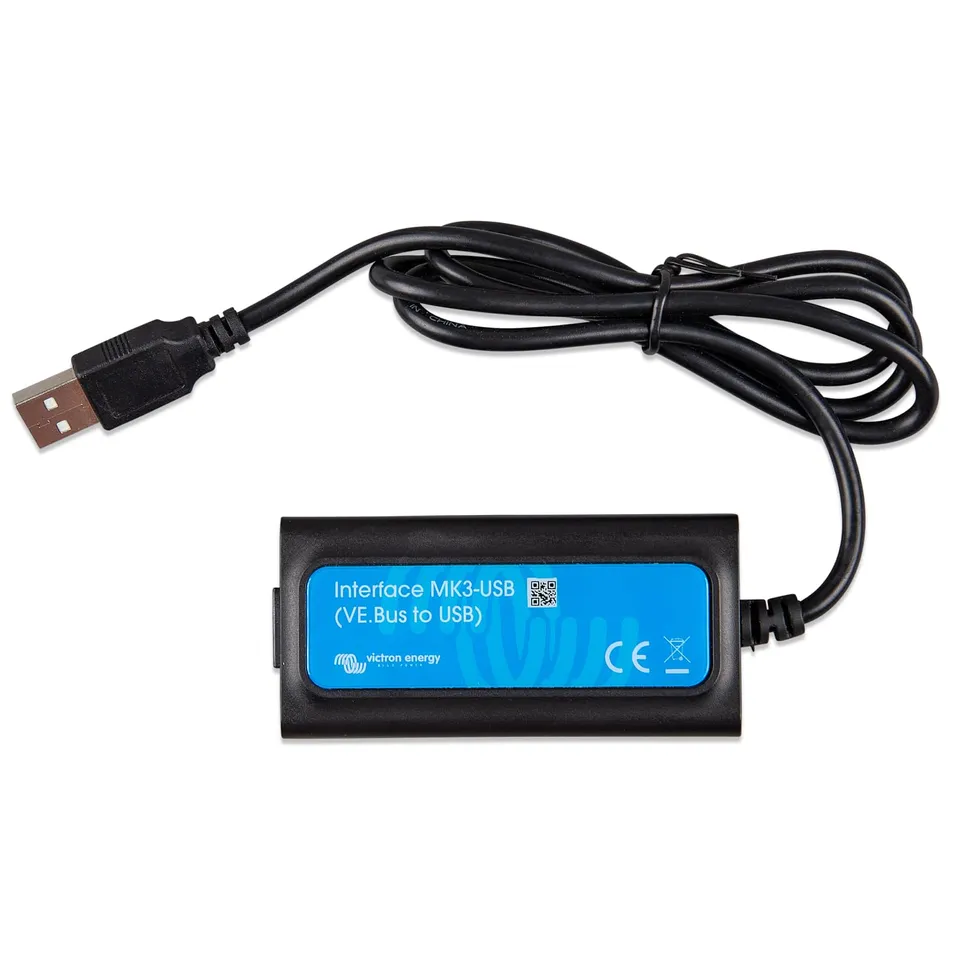
Genuine Victron MK3-USB at $29.50 — 50% off the $59.00 compare-at price
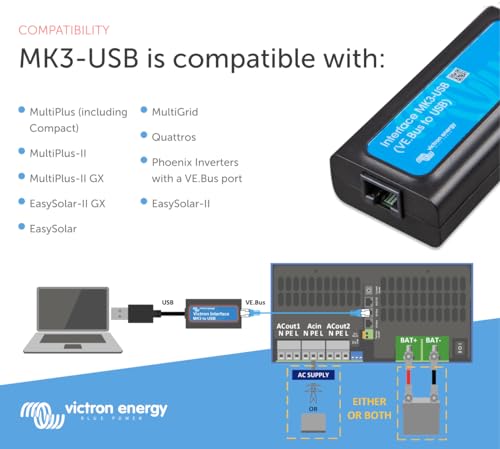
Configures and updates firmware on MultiPlus, MultiPlus-II, Quattro, and all VE.Bus inverters
Extra 12% off with coupon OUTPOST12 and free shipping on orders over $45.00
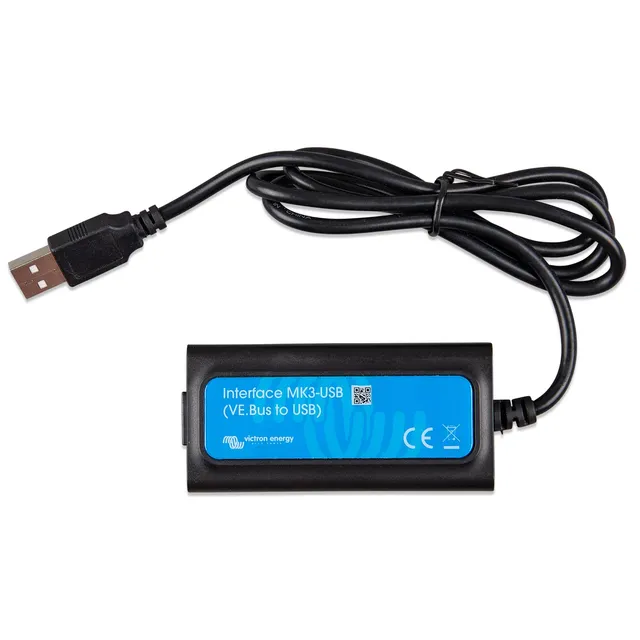
Model: Interface MK3-USB
Weight: 1.59 lb
Connector: VE.Bus to USB-A
Functions: Configuration and firmware updates
Dimensions: 2 x 4 x 5 in
Sale Price: $29.50 USD
Product Type: VE.Bus to USB configuration interface
Compare-At Price: $59.00 USD
Compatible Products: Multi, MultiGrid, MultiPlus, MultiPlus-II, Quattro, ECOmulti, EasySolar, EasyPlus, VE.Bus inverters
Seller: PowerHaven Outpost
MPN: Interface MK3-USB
The Victron Energy Interface MK3-USB is required for first-time configuration and firmware updates of MultiPlus, Quattro, and other VE.Bus inverter/chargers — now 50% off at $29.50.
Connect between the inverter's VE.Bus port and your computer, launch VictronConnect or VEConfigure, and adjust inverter/charger settings or push firmware updates.
Unlike the cheaper VE.Direct to USB (for monitors and MPPTs), the MK3-USB speaks VE.Bus protocol for inverter/chargers. The USB-C variant is identical but for USB-C ports.
At PowerHaven Outpost — order now for $29.50 with free shipping on orders over $45.00.
Yes — $29.50 versus $59.00 compare-at, a 50% discount. Use coupon code OUTPOST12 at checkout for an extra 12% off.
Plug the MK3-USB into the MultiPlus VE.Bus port and your computer, open VictronConnect, and follow the firmware update prompt. Keep the unit powered throughout.
Yes — Windows 10 usually auto-installs the driver; install the VCP driver manually if the device isn't detected.
Both do the same job. Pick this USB-A version for standard laptop/desktop USB ports, the USB-C version for newer tablets and phones.


Used this to set up my MultiPlus-II from scratch. VEConfigure tools recognized it immediately and the whole configuration process was painless. Worth every penny even at full price.
This does what the MK2 could not — firmware updates and full configuration. It's a specialized tool, so if you only have VE.Direct devices, get the cheaper interface instead. For Quattro owners, it's essential.
Updated my Quattro firmware in minutes. Zero issues.
After my installer left me with default settings, I bought this to adjust the AC input current limit and charger settings myself. I'm retired and was nervous about bricking the unit, but the Victron software walks you through everything. Took maybe twenty minutes total. Now my system runs exactly how I want. Great product.
Interface itself works flawlessly. Figuring out which software to download and which settings to change took some YouTube time. Once configured, though, my MultiPlus has been rock solid.
Every serious Victron installer should own one. I've used it on three different MultiPlus units now, all recognized instantly. Half-off pricing made it an easy decision.
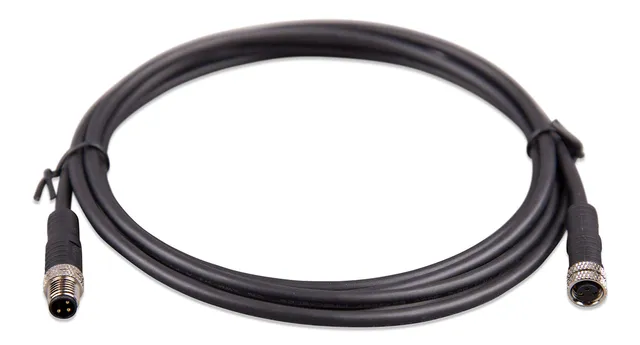
Did a firmware update on my Quattro 48/8000. Took under ten minutes including the reboot. Cable feels sturdy and the connector seats firmly.
I've configured two MultiPlus units with this thing and it has never given me trouble. Being able to tweak settings without paying an installer has saved me far more than the cost. Extra 12% off with the coupon was a nice bonus.
Took hours of fiddling to get it recognized on macOS. Eventually worked on a friend's Windows laptop, so the unit is fine — just be warned Mac users may have a frustrating time.
As a marine electrician, this interface goes in my tool bag on every job. It's never failed me, works with every VE.Bus product, and lets me verify settings before handoff. Customers are impressed when everything checks out on screen.
Orders over $45.00 ship free. Otherwise, shipping is $8.00.
Hassle-free returns
SSL encrypted checkout
100% genuine products
Portable power stations, inverters, and solar gear from Goal Zero, Victron Energy, and Cobra — clear specs, fair prices, real support.
Email: support@powerhaven.shop
Address: 1420 Ridgeline Avenue, Suite 300, Reno, NV 89502, United States