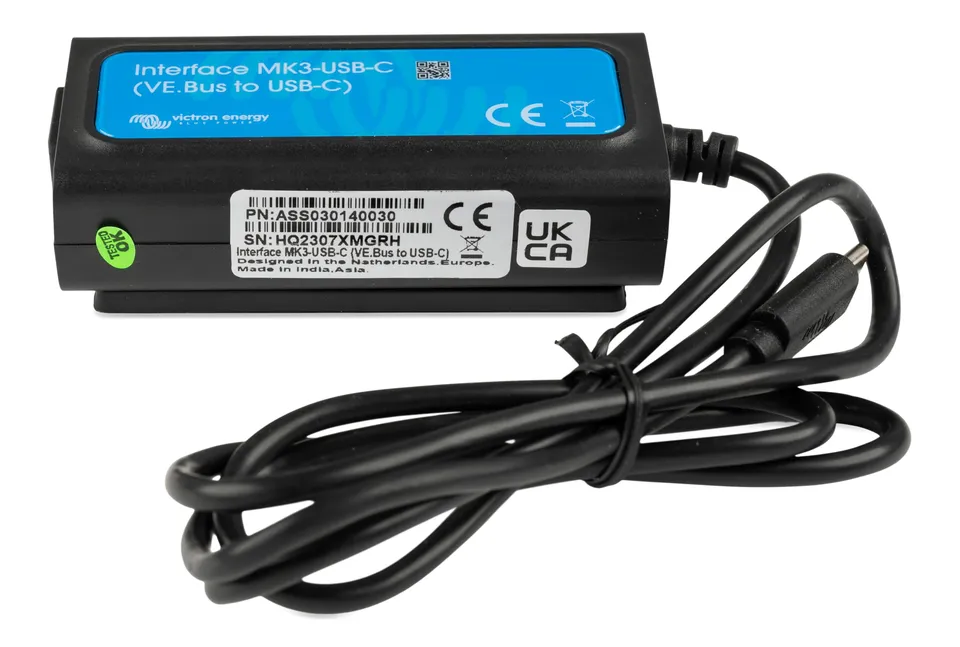
Buy the Victron Energy MK3-USB-C Interface (VE.Bus to USB-C) today for $42.75 – 50% off the $85.50 compare-at price – and configure your Victron MultiPlus, Quattro, or GX system from any modern USB-C laptop, no drivers needed. Best fit: Victron installers and DIY owners who need fast configuration, diagnostics, and firmware updates through VictronConnect.
How to Configure a MultiPlus With the MK3-USB-C
Connect the MK3-USB-C to the MultiPlus VE.Bus port and plug the USB-C end into your laptop. Open VictronConnect, select the detected device, and set your configuration – input current limits, charger settings, assistant programs, and more. No driver installation is required; it connects instantly.
Troubleshooting: Not Detected by VictronConnect
If the MK3-USB-C is not detected, confirm the VE.Bus end is fully seated, try a different USB-C port or cable, close other apps using the port, and update VictronConnect. During Quattro or MultiPlus firmware updates, keep the connection stable and power on – if an update fails, retry after power cycling the unit.
Specifications
- Brand: Victron Energy
- Model / Series: MK3-USB-C Interface
- Product Type: VE.Bus to USB-C configuration interface
- Compatibility: GX systems, MultiPlus, Quattro, and other Victron inverters/chargers with VE.Bus
- Software: VictronConnect – configuration, diagnostics, and firmware updates
- Design: Plug-and-play, no drivers, high-speed data
Is the MK3-USB-C the Same as an RS485 USB Interface?
No. The MK3-USB-C speaks VE.Bus protocol for Victron inverter/chargers and GX systems – an RS485 USB interface is a generic serial adapter. For Victron configuration and firmware updates, the MK3-USB-C is the correct, officially supported tool.
Comparisons and Price Value
Versus the older MK3-USB with USB-A, the USB-C version suits modern laptops and USB-C-only devices. At $42.75 you save $42.75 versus the $85.50 compare-at price. Stack coupon OUTPOST12 for an extra 12% off and get free shipping on orders over $45.00 – buy online now at the lowest sale price.